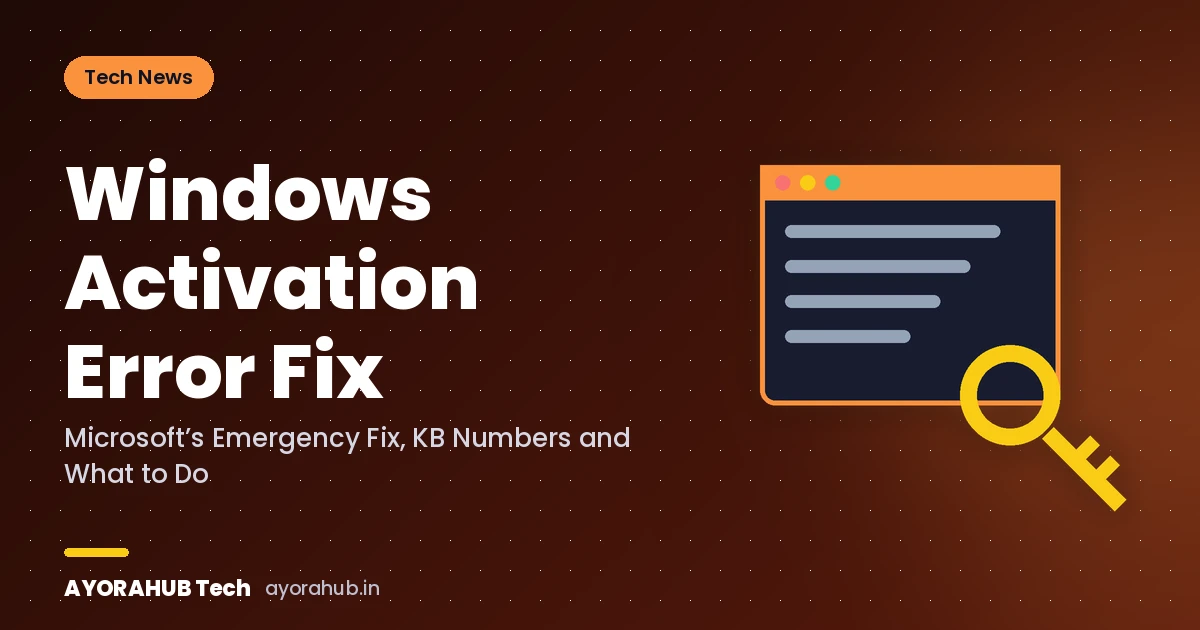
Microsoft released emergency (out-of-band) updates on 13 November 2026 to fix Windows activation and licensing errors caused by the November 2026 security updates. The bug mainly hits offices and IT teams that use the slmgr.vbs tool to install product keys or set KMS servers — those commands fail with error 0x80041008.
Key facts at a glance
| Fix released | 13 November 2026 (out-of-band, optional, non-security) |
|---|---|
| Error | 0x80041008 — “Invalid parameter (SWbemObjectEx)” |
| Failing commands | slmgr.vbs /ipk and slmgr.vbs /skms-domain |
| Who is affected | Mostly business PCs that automate key install or KMS activation |
| Home users | No reports of already-activated PCs losing activation |
| Where to get it | Windows Update (optional updates) or Microsoft Update Catalog |
Fix KB numbers by Windows version
| Windows version | Fix update |
|---|---|
| Windows 11 23H2 | KB5136483 |
| Windows 10 22H2 (ESU) / LTSC 2021 | KB5136493 |
| Windows Server 2025 | KB5136489 |
| Windows Server 2022 | KB5136487 |
| Windows Server 2019 / LTSC 2019 | KB5136490 |
Reports disagree on which November update first caused the bug, so check Microsoft’s release health page for your exact build before deploying.
What to do
- Home users: if Windows says it is activated, you do not need to do anything. Keep normal updates on.
- IT admins: install the matching KB above, then re-run your activation scripts.
- Some PCs also failed to install the November update with error 0x800f0993; reports link it to the October preview update.
Frequently Asked Questions
Will my home PC lose Windows activation?
There are no reports of already-activated PCs losing activation. The bug affects slmgr licensing commands.
What is error 0x80041008?
It appears when slmgr.vbs /ipk or /skms-domain fails after the November 2026 security update.
Is the fix automatic?
It is an optional update. Install it from Windows Update (optional updates) or the Microsoft Update Catalog.
Which update fixes Windows 11?
KB5136483 for Windows 11 version 23H2.
Checked on 17 November 2026 against news reports citing Microsoft’s release notes.
How we checked this
We compared BleepingComputer, CyberSecurityNews and Windows Forum reports from 13–14 November 2026. Where reports differ, we say so.