Last updated:
Quick answer (updated 13 November 2026): Samsung Now Nudge is a Galaxy AI feature that watches what is on your screen and suggests the next step. Examples include adding a date from a chat to your calendar, sharing the photo someone asked for, opening an address in Maps, or filling in your name, phone number or email. It launched with the Galaxy S26 series and One UI 8.5 and works mainly through the Samsung Keyboard. One UI 9 extends it beyond the keyboard. Turn it on in Settings → Galaxy AI → Now nudge (and Personal data intelligence). Samsung says data is processed on your phone unless you agree to share it.
Now Nudge is one of the headline Galaxy AI features of 2026 — and one of the most misunderstood. This guide explains what it does, how to turn it on or off, which phones get it, the privacy questions and how it compares with Google’s Magic Cue on Pixel.
What is Now Nudge?
Most AI assistants wait for you to ask. Now Nudge is proactive: it reads the context on your screen — a message, a photo request, an address, a form — and offers a one-tap action so you do not have to switch apps. Samsung’s support page describes it as recognising what is shown on your screen and suggesting relevant actions, such as adding events to your calendar or sharing photos, and suggesting information you can enter automatically.
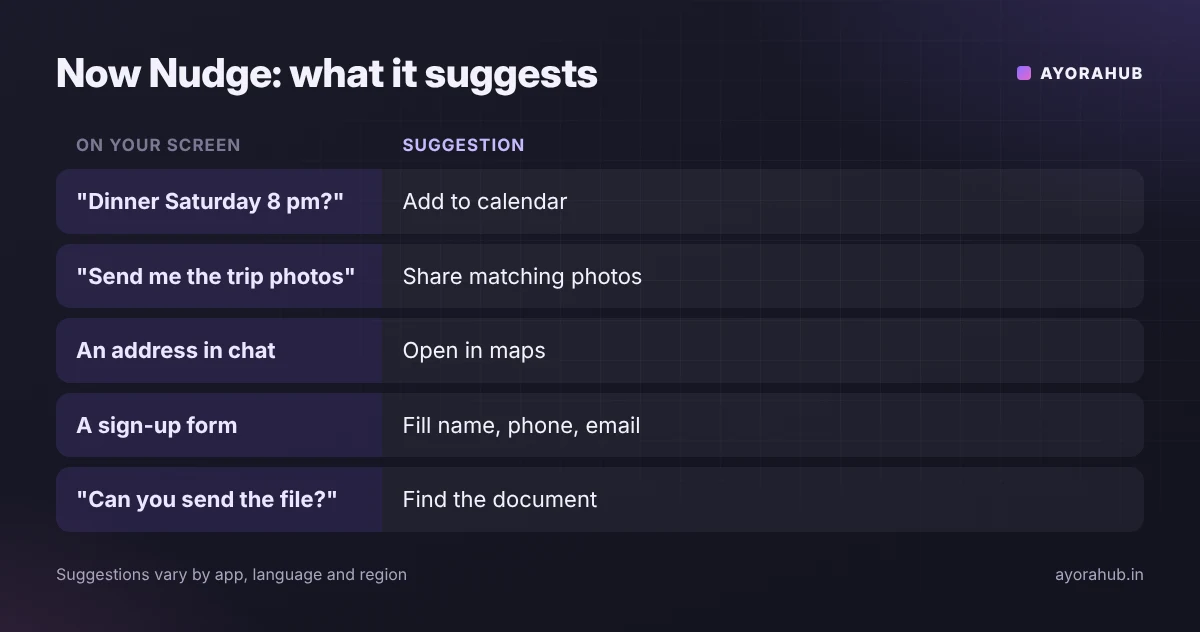
Now Nudge examples
| On your screen | What Now Nudge suggests |
|---|---|
| A friend writes “Dinner on Saturday 8 pm?” | Add the event to your calendar |
| “Send me the photos from the trip” | Pick and share matching photos from your Gallery |
| An address in a chat | Open it in a map app |
| A sign-up form | Fill in your name, phone number or email |
| Someone asks for a document | Find the file to attach |
Exact suggestions vary by app, language and region.
How to turn Now Nudge on or off
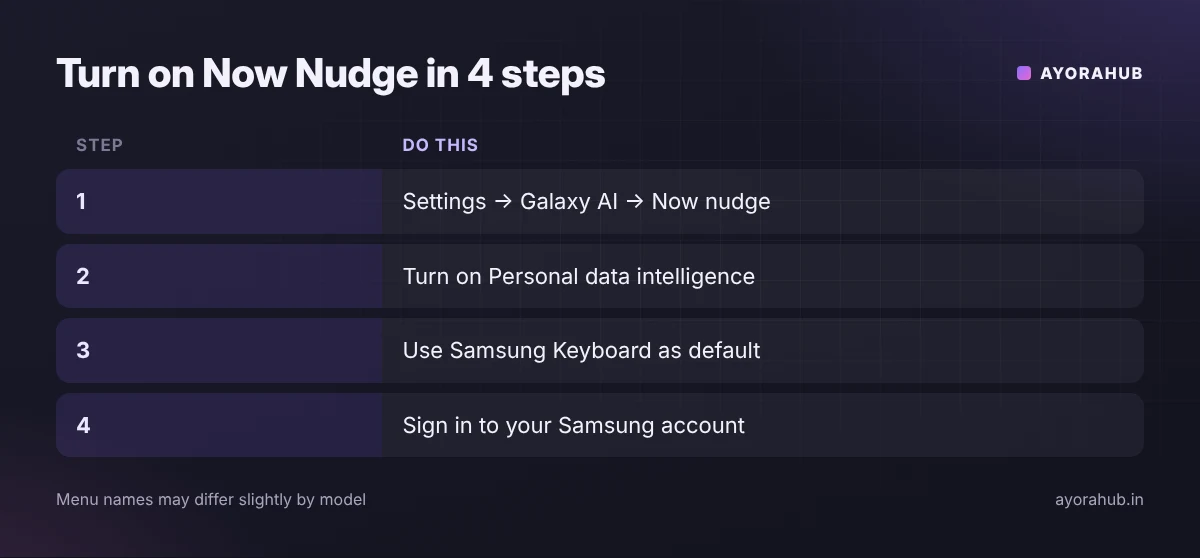
- Open Settings.
- Tap Galaxy AI, then Now nudge.
- Switch it on, and enable Personal data intelligence when asked — the feature needs it to understand your content.
- Make sure Samsung Keyboard is your default keyboard; reviewers note the feature depends on it.
- To turn it off, follow the same path. You can disable the whole system or individual Galaxy AI tools.
Menu names can differ slightly by model and software version. Samsung’s support path is Settings → Galaxy AI → Now nudge → Personal data intelligence.
Which phones get Now Nudge?
- Galaxy S26, S26+ and S26 Ultra: launched with it on One UI 8.5.
- Other recent Galaxy phones: expected through One UI 8.5 and later updates, but reports show some older models (for example the Galaxy S23 Ultra) did not receive every new AI feature.
- One UI 9: extends Now Nudge beyond the keyboard, according to coverage of the update.
Check Settings → Galaxy AI on your own phone; if Now nudge is not listed, your model or region does not have it yet.
Is Now Nudge safe? Privacy explained
- On-device by default: reports quoting Samsung say data is processed on your phone unless you consent to share it with Samsung or its partners for better recommendations.
- Consent is not always obvious: one review noted it is unclear exactly where and when that consent is given — review the prompts carefully.
- Samsung account: reports say the feature requires you to be signed in.
- You stay in control: you can switch off Personal data intelligence or Now Nudge at any time.
Tip: if you share your phone, or handle sensitive work chats, consider leaving it off or limiting which apps use it.
Now Nudge vs Pixel Magic Cue vs Apple Intelligence
| Samsung Now Nudge | Google Magic Cue (Pixel) | Apple Siri AI | |
|---|---|---|---|
| Idea | Suggests actions from what is on screen | Suggests replies, events and next steps from messages and calendar | Uses personal context and on-screen awareness when you ask |
| Proactive? | Yes | Yes | Mostly on request |
| Where it runs | On device by default | On device (Gemini Nano), per reports | On device + Private Cloud Compute |
| Phones | Galaxy S26 and newer updates | Pixel 11 series | Recent iPhones with iOS 27 |
Swipe to see more →
Full comparison: Apple Intelligence vs Galaxy AI vs Gemini.
Now Nudge not working? Try this
- Check that Now nudge and Personal data intelligence are both on.
- Set Samsung Keyboard as the default keyboard.
- Sign in to your Samsung account.
- Update One UI and Samsung apps from Settings → Software update and the Galaxy Store.
- Restart the phone.
- Remember suggestions appear only when there is something useful to suggest.
Tools we recommend · Affiliate links: we may earn a commission if you sign up, at no extra cost to you.
Frequently Asked Questions
What is Now Nudge on Samsung?
A Galaxy AI feature that recognises what is on your screen and suggests actions such as adding calendar events, sharing photos or filling in your details.
How do I turn on Now Nudge?
Go to Settings → Galaxy AI → Now nudge and enable Personal data intelligence.
Which Samsung phones have Now Nudge?
The Galaxy S26 series first, with One UI 8.5. Other models may get it through updates; check Settings → Galaxy AI.
Does Now Nudge send my data to Samsung?
Samsung says data is processed on your phone unless you consent to share it.
Does Now Nudge work with Gboard?
Reviewers say it relies on the Samsung Keyboard.
Is Now Nudge free?
Yes, it is part of Galaxy AI on supported phones.
Conclusion
Now Nudge is Galaxy AI at its most practical: fewer app switches for everyday tasks. Turn it on, try it for a week, and keep an eye on privacy prompts. More on Samsung’s AI: which AI is in your phone · next Samsung flagship: Galaxy S27 Ultra battery leak.
How we researched this
We used Samsung’s official support pages (India and Canada) and coverage by Android Authority, Android Headlines, Digit, Sammy Fans and Engadget, published February–November 2026. Device availability varies; we have not tested every model.